
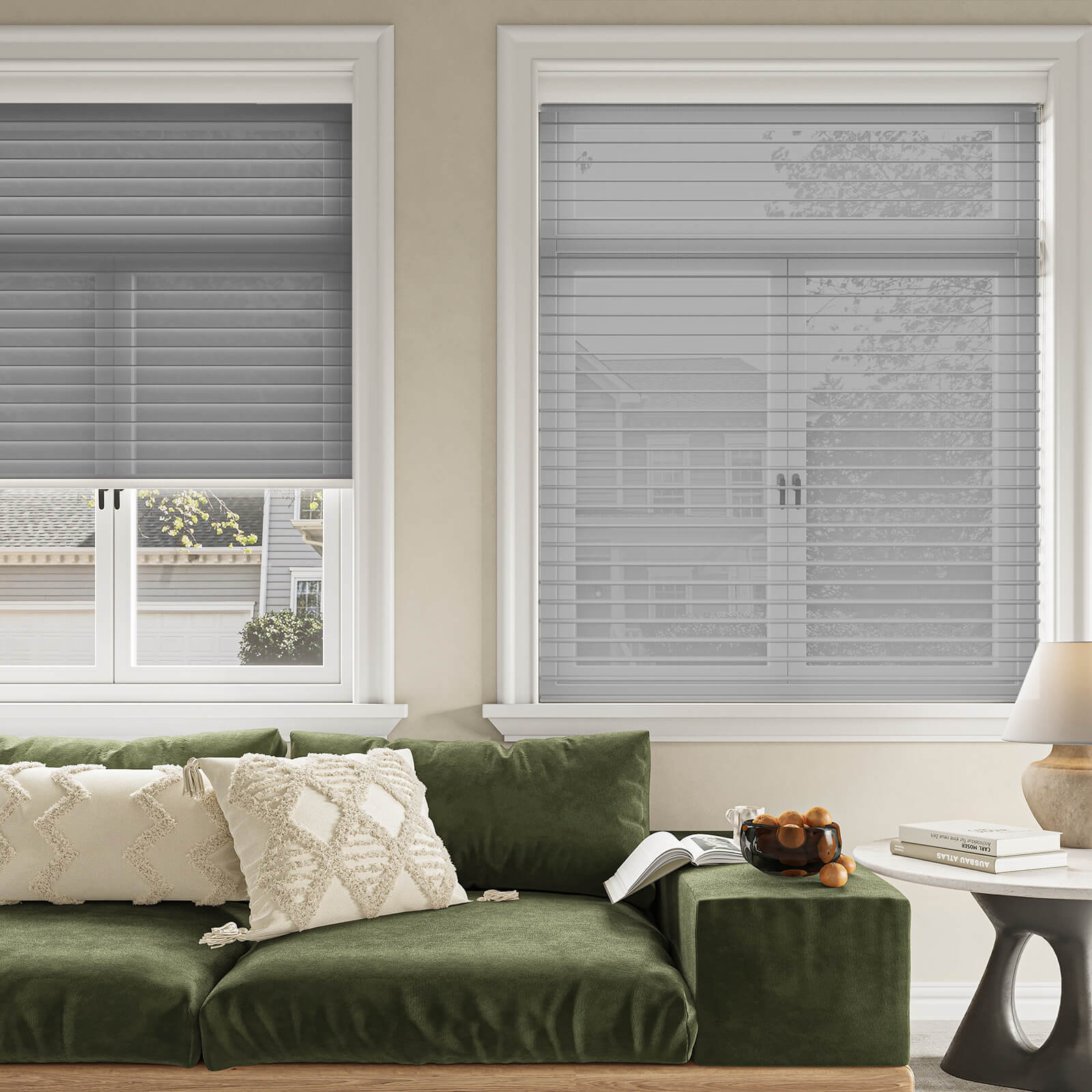
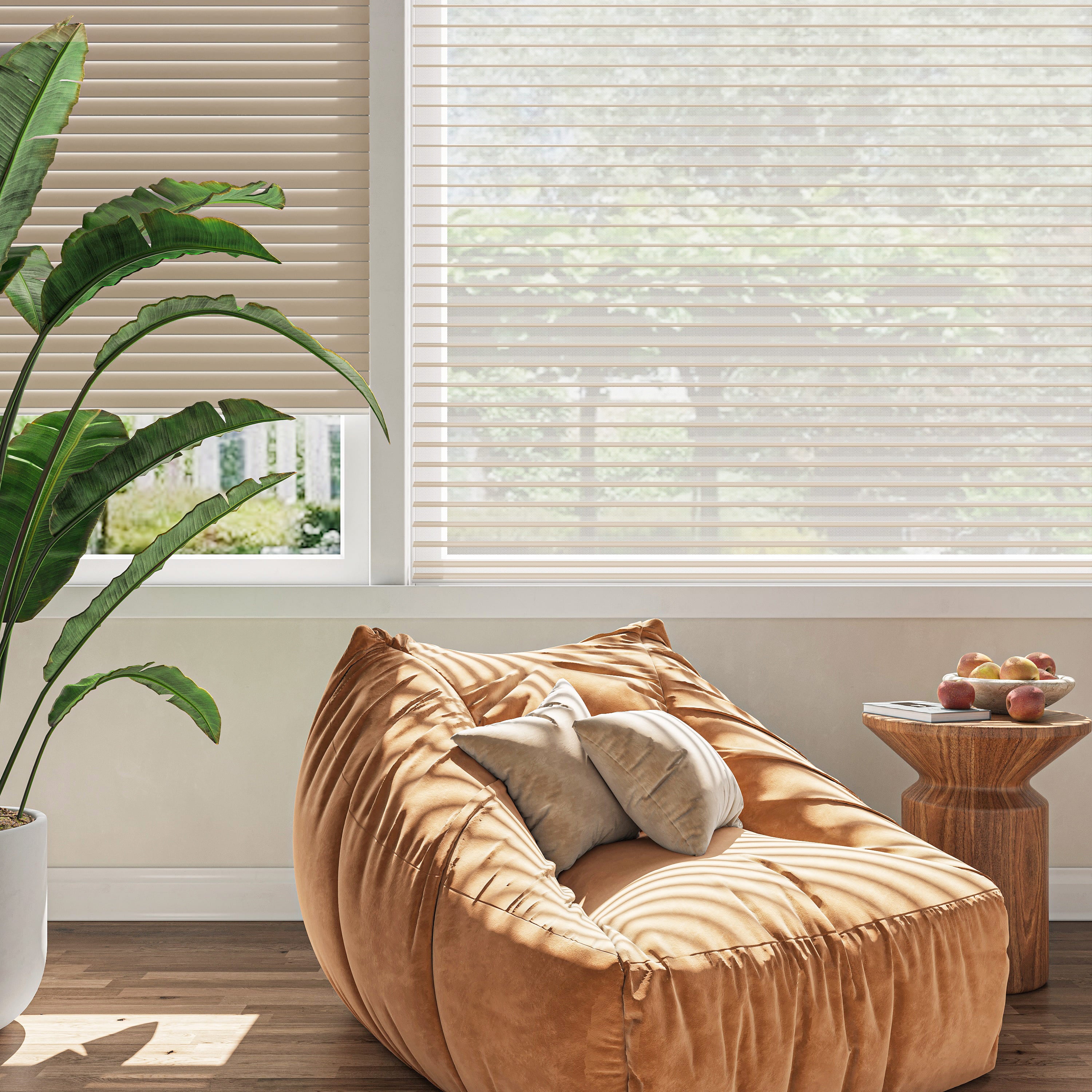
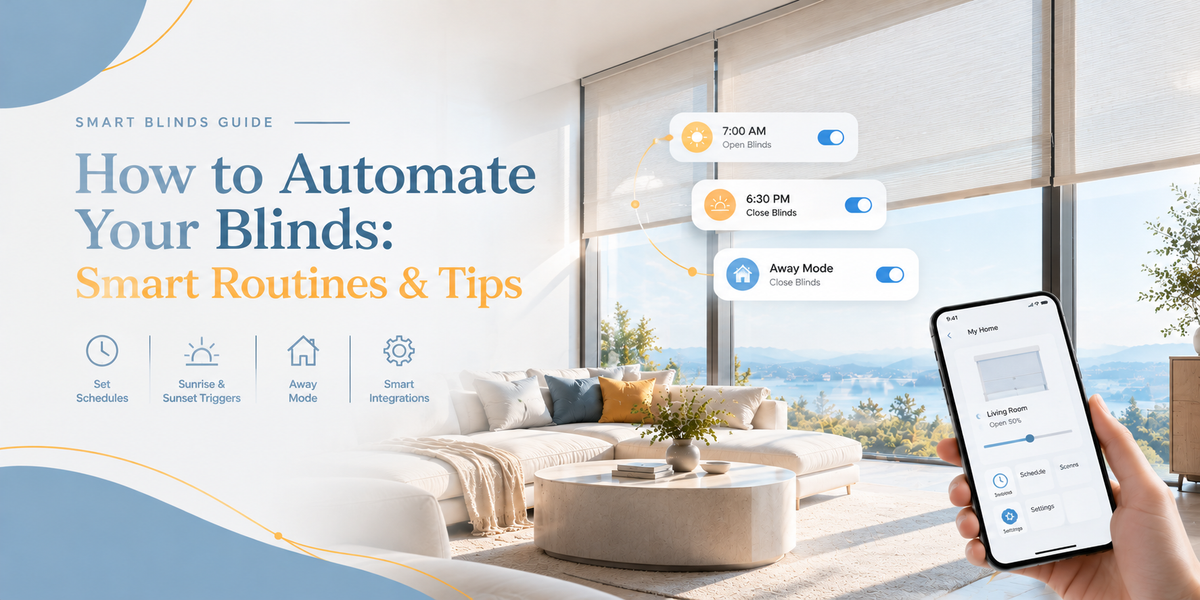
Imagine waking up to natural light instead of reaching for the remote, or having your living room shades close as the afternoon sun starts to create glare.
Automated blinds can make these small everyday adjustments easier. Rather than operating each window manually, compatible motorized shades can follow a schedule or respond to commands through a connected control system.
The trick is to build routines around how you actually use each room—not automate everything just because you can.

What Are Automated Blinds?
Automated blinds are window shades that can move with less manual effort through motorized controls and, where supported, scheduled or connected commands.
The term covers several levels of functionality:
-
Motorized operation: A motor raises and lowers the shade.
-
Remote control: You adjust the shade using a handheld remote.
-
App control: A compatible app lets you operate the shade from a phone.
-
Scheduled operation: The shade follows preset times.
-
Smart-home routines: Compatible devices and systems coordinate actions, such as adjusting shades as part of a morning routine.
Not every motorized shade supports every function. Check the exact model, control system, and compatibility requirements before planning your automation.

5 Smart Ways to Automate Your Blinds
1. Let the Morning Light In
A gentle start to the day can be as simple as opening your bedroom shades at a set time.
If your motorized shade supports scheduling, you may be able to program it to open in the morning. This can help bring natural light into your space without requiring you to get out of bed to operate the window covering.
Choose the timing based on your normal wake-up routine and the amount of light you want. For bedrooms where darkness matters, consider whether a blackout shade and a scheduled opening time would suit you better.
2. Manage Afternoon Glare
Direct sunlight can make it difficult to watch a screen, work at a desk, or relax in a bright living room.
A compatible automated setup can help you adjust shades around the times when sunlight is most disruptive. You might schedule them to lower during a particular part of the afternoon, then reopen later.
Sunlight changes with the season and weather, so a fixed schedule won't always be perfect. If your system supports sensor-based automation, investigate whether it can respond to light conditions. Otherwise, app or remote control gives you flexibility when the day doesn't go to plan.
3. Create an Evening Privacy Routine
As daylight fades, you may want more privacy in bedrooms and street-facing living spaces.
If your shade system supports scheduling, set a closing time that matches your evening routine. You can also use a remote or app to make adjustments when plans change.
For rooms that need different levels of light, choose the shade style accordingly. Roller shades offer a simple, clean look; Zebra shades allow you to adjust the alignment of alternating fabric bands; and Cellular shades offer a different construction suited to light management and insulation needs.
4. Make Hard-to-Reach Windows Easier to Manage
Tall windows and skylights can be awkward to operate manually. Motorized shades make adjustments more convenient by allowing you to use a compatible remote or smart control instead of physically reaching the window.
For skylights, confirm that the shade is specifically designed for the window type and mounting requirements. Explore KEEGO motorized skylight shades to review the available control and product details.
5. Coordinate Multiple Shades
If you have several windows in the same room, operating them one by one can become repetitive.
Some motorized systems support multi-channel remotes or grouped control, allowing compatible shades to move together. The exact number of shades and grouping options depends on the remote and motor system.
This can be particularly useful in living rooms with several windows or bedrooms with matching shades. Check whether the products you choose can be paired or grouped before planning a whole-room setup.

How to Set Up an Automated Blinds Routine
You don't need to automate every window at once. Start with one room and one routine, then add complexity only if it improves your day.
Step 1: Identify the problem you want to solve
Do you want to let morning light in, reduce afternoon glare, make a high window easier to reach, or simplify nighttime privacy? A clear goal will help you choose the right shade and control features.
Step 2: Choose the right shade type
Consider the window's shape, your desired light control, privacy needs, and room conditions.
-
Roller shades: A streamlined option for straightforward light and privacy control.
-
Zebra shades: Useful when you want to adjust the balance between filtered light and privacy.
-
Cellular shades: Worth considering when insulation is also a priority.
-
Skylight shades: Designed for skylight windows that need a suitable fit and mounting method.
Motorization is an available feature on certain products across these styles; it is not a separate window-treatment style itself.
Step 3: Confirm the control options
Before ordering, verify whether your chosen model supports remote operation, app control, scheduling, or smart-home integration. These features are not interchangeable, and some require a compatible bridge or additional equipment.
Step 4: Create one simple schedule
Start with a routine you can evaluate easily, such as opening a bedroom shade at wake-up time or closing a living room shade in the evening.
Adjust the schedule when daylight hours change or when you notice that the routine no longer fits your needs.
Step 5: Test what happens when conditions change
Consider weekends, travel, daylight-saving time, and unexpected changes in your routine. If your system supports manual overrides, learn how to use them. Also check whether schedules depend on an internet connection or a particular hub.
Do Automated Blinds Save Energy?
Automated shades can help you manage sunlight, glare, and privacy more consistently, but energy performance depends on more than automation alone.
Fabric type, shade construction, window orientation, outdoor temperature, and how tightly the shade fits all affect the result. Cellular shades, for example, are designed with a structured construction that can help reduce heat transfer when appropriately selected and installed.
A schedule may help you use shades more consistently, but it doesn't guarantee a specific reduction in heating or cooling costs. Choose a shade based on the window's needs and treat automation as a way to manage it more conveniently.

What to Look for in Smart Motorized Blinds
Before choosing a product, compare:
-
Control: Remote, app, scheduling, and any supported voice-control options.
-
Compatibility: Required apps, hubs, bridges, and smart-home platforms.
-
Power: The product's specified charging or power arrangement and any compatible solar accessories.
-
Installation: Mounting type, measuring requirements, and whether a no-drill option is available.
-
Shade style: Roller, Zebra, Cellular, or Skylight, depending on your window and priorities.
You can compare available options in the KEEGO motorized smart shades collection. Confirm the features on each product page rather than assuming all models have identical controls.
Make Your Home Work Around Your Routine
The best blind automation is the kind you barely have to think about. A morning opening schedule, a convenient way to adjust afternoon light, or easier control of a high window can make everyday living feel simpler.
Start with the windows you adjust most often, choose a shade that fits the space, and confirm which automation features the model supports.
With the right combination of shade style and control, managing natural light can become a more effortless part of your daily routine.

Leave a comment
All comments are moderated before being published.
This site is protected by hCaptcha and the hCaptcha Privacy Policy and Terms of Service apply.